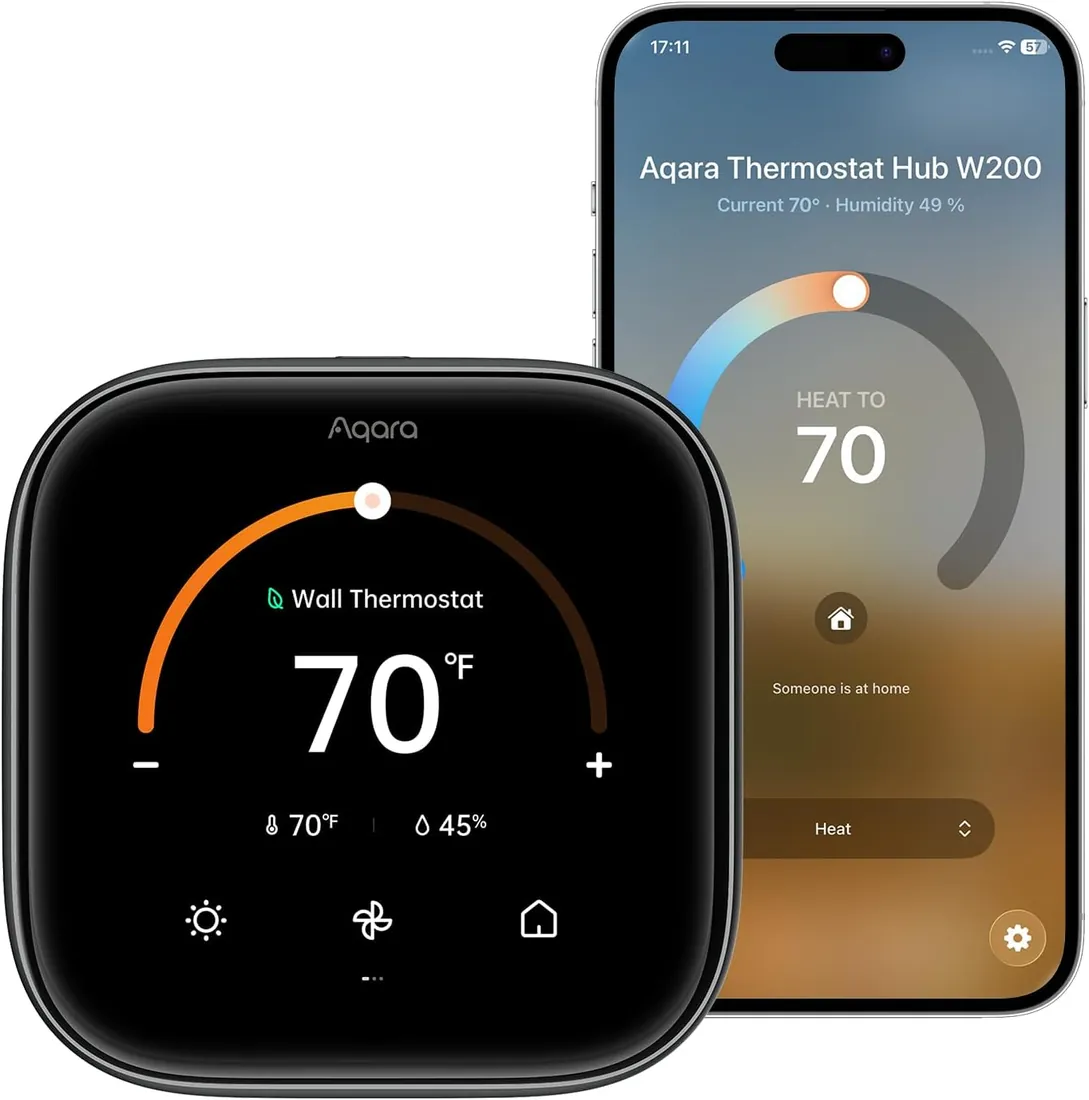
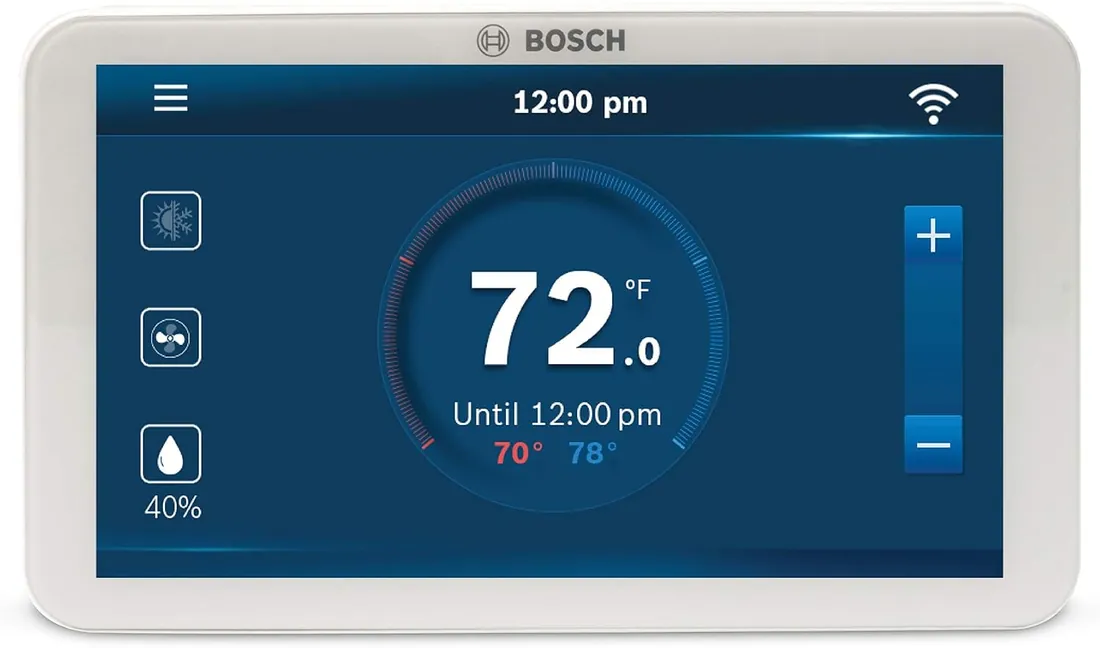
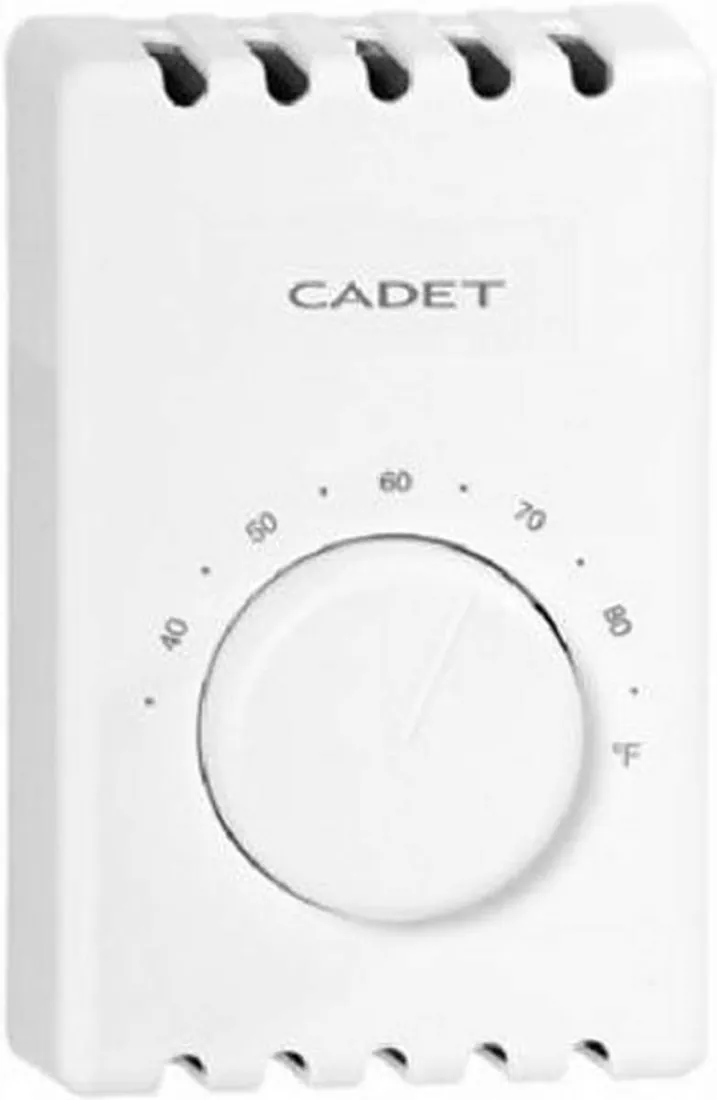
Replacing a 24-volt thermostat is a common DIY job when the new one matches your system. The steps are the same across makers: power off, photograph and label, remove the old base, mount the new one, connect wires by terminal letter, restore power and run each mode. Stop if you find line voltage, a communicating system, or wires you can't identify.
Before you start
- Check compatibility first: system type, stages, heat pump wiring and C wire. The maker's compatibility checker or our wiring checker does this from your terminal letters.
- Gather tools: the ecobee3 lite guide lists a small flathead and a Phillips screwdriver, a pencil, a wire stripper, and optionally a drill with a 3/16-inch bit for anchors.
- Find the breaker or the switch for the furnace or air handler. The ecobee guide suggests looking in the basement, attic, utility closet, or behind a panel near the thermostat.
Step 1: Turn the power off and confirm it
Switch off the HVAC system at the breaker or the equipment switch. Honeywell Home suggests confirming by changing the setting on the old thermostat so the system should start: if nothing happens within five minutes, power is off. The ecobee guide adds a check for boilers: confirm the main flame is out.
Step 2: Take the old thermostat apart and photograph it
Pull the face off. Most pull straight off; some lever up from the bottom; some have a locking tab or screws. If you see no terminal letters, look for a mid plate hiding them, as Google Nest's help pages describe, and unscrew it. Take a clear photo with every terminal letter visible. Google Nest calls this picture an essential reference, and both Honeywell and ecobee make it a required step.
Check for warning signs while you're there: terminals marked A, B, C or 1, 2, 3 suggest a communicating system; G1, G2, G3 suggest multi-speed fan control; Honeywell's guide says standard retail thermostats aren't compatible with either.
Step 3: Label and disconnect
New thermostats come with stickers. Label each wire by the letter of the terminal it's on, not by its colour, one wire at a time. Honeywell's guide says not to label wires that aren't connected to a terminal, and if a terminal carries two designations such as W and O/B, the label should show both. The ecobee guide says to leave any jumper between R, Rc and Rh alone and label only the wires from the wall.
Wrap the cable around a pencil so it can't fall back into the wall. Old mercury thermostats need to go to a hazardous waste collection, as ecobee's guide warns, not the trash.
Step 4: Mount the new base
Feed the wires through the new base and screw it to the wall, using anchors in drywall. A trim plate can cover marks or holes left by the old unit. Push excess wire back into the wall and seal the hole: the ecobee guide warns that large holes behind the thermostat let drafts affect its temperature readings.
Step 5: Connect the wires
| You have | Where it goes |
|---|---|
| One R, Rc or Rh wire | R (Honeywell; jumper stays) or Rc (ecobee3 lite); follow your model |
| Separate R/Rh and Rc | R or Rh to R, Rc to Rc; remove the jumper |
| C | C |
| G | G |
| Y or Y1; Y2 | Y; Y2 |
| O/B, or W-O/B on a heat pump | O/B |
| Separate O and B | Tape off B; O to O/B (Honeywell) |
| W on a heat pump with an O/B wire | W2 or AUX, per the manual |
Push each wire in fully and tug gently to check it's held. If you have no C wire and the thermostat needs one, install the adapter now, following its own instructions.
Step 6: Power on and test every mode
Snap the thermostat onto its base and restore power. Work through setup, then run each mode: heat, cooling, fan, and on a heat pump, auxiliary and emergency heat. Listen for the equipment starting and feel the air at a vent. If heat blows cold on a heat pump, check the O/B setting; if the screen won't stay on, power is the usual suspect.
When to call a pro
- Line voltage, or any wiring you can't identify from the terminal letters.
- A communicating system, dual fuel, or multi-speed fan terminals.
- Anything that needs work inside the furnace or air handler that you're not comfortable with, such as connecting a spare wire to C.
- Honeywell's guide adds: if the old thermostat had both V and VR wires, stop and call a contractor.